Printer help
Aures ODP 333
Receipt printer setup, maintenance, FAQs, and manual.
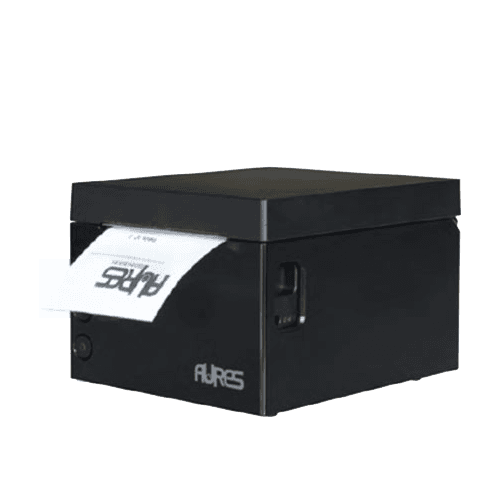
Quick start
- Unbox, connect power, and attach USB/Ethernet as supplied.
- Install the printer driver if prompted, then power-cycle the unit.
- Load 80mm receipt paper and close the lid firmly until it clicks.
- Print a test via your TillTech POS or the printer feed/test button.
General care & maintenance
- Replace receipt rolls when the paper indicator shows low/empty.
- Run the built-in self-test after transport or a long shutdown.
- Clean the print head gently with approved wipes to prevent streaks.
- Clear jams by opening the lid and removing any torn paper before reloading.
FAQs
- Why is my printer not printing?
- Help, my printer is jammed!
- How do I clean my printer?
- What does this light mean?
Downloads
Manual is hosted locally for offline-safe access.